Facebook – contact, tips, tricks and news
Facebook is an extremely popular friend network for sharing messages, links, photos and videos with friends. I think Facebook is a fantastic platform for keeping contact with friends and colleagues from the past and present, as well as for exchanging recommendations about great performances, practical tips and the latest news about the internet, technology and social media. Moreover, I know all my Facebook friends. “Of course!” you say? well, just view this clip.
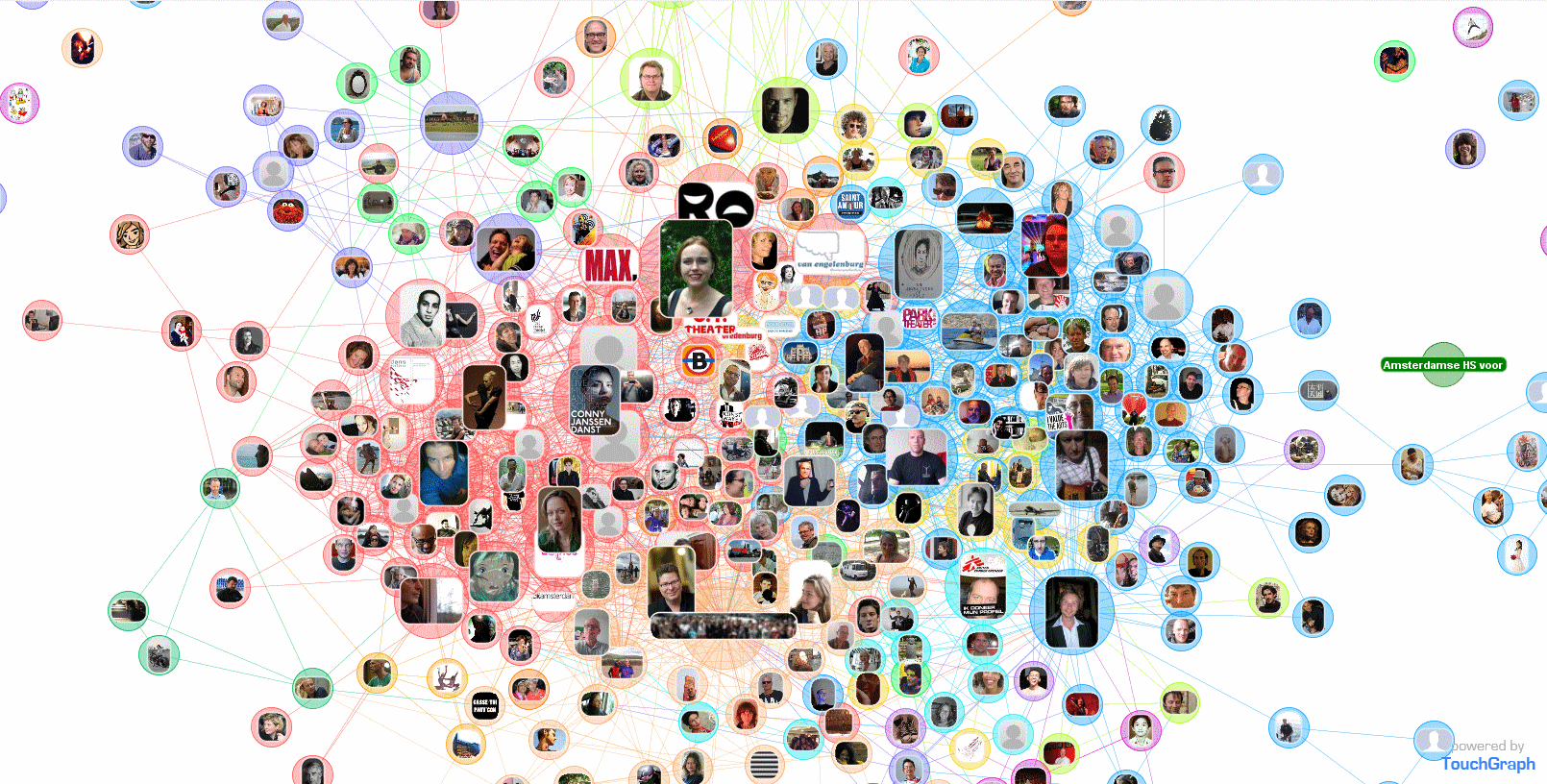
Facebook and the outside world
However, Facebook does not easily acknowledge defeat; on technical forums you can see how easy it is to share to Facebook. Pages you find, tips you like, pictures you take via all sorts of apps, trips you book and theatre tickets you buy – you name it and it comes with the blue Share or Like button.
But sharing from Facebook is a different story. When we built this website we created an RSS feed to be shown here, but that wouldn’t last long. After too many tries we gave up.
Do you know a way of doing this? Can’t wait to hear from you!!